
Content is anything you publish for an audience: articles, web pages, podcasts, videos, photos, newsletters and social posts. Good content informs, entertains or helps people, and builds trust over time. It is the raw material of search engine optimisation, social media and email marketing, and for many creators it is the product itself.
This section covers the practical skills of creating digital content, and the copyright rules every creator needs to know.
Audio
Podcasts
Distributed via RSS
Vertical
Short-form video
Made for phones
Life + 70
Usual copyright term
For works by known authors
Guides in this section
- Starting a podcast: planning a show, equipment, recording, editing, hosting and growing an audience.
- Video for social media: shooting good video on a phone, formats, captions, editing and music rights.
- Writing for the web: writing clear, scannable and accessible copy for websites, emails and social posts.
- Image copyright and licensing: how copyright works in Australia, Creative Commons, stock images and crediting.
Start with purpose
Before you create anything, be clear about who it's for and why they would care. What questions does your audience ask? What do they find hard, interesting or entertaining? What can you offer that others don't, such as local knowledge, professional expertise, personal experience or a distinctive voice? Content made to fill a schedule or to please an algorithm rarely builds a loyal audience.
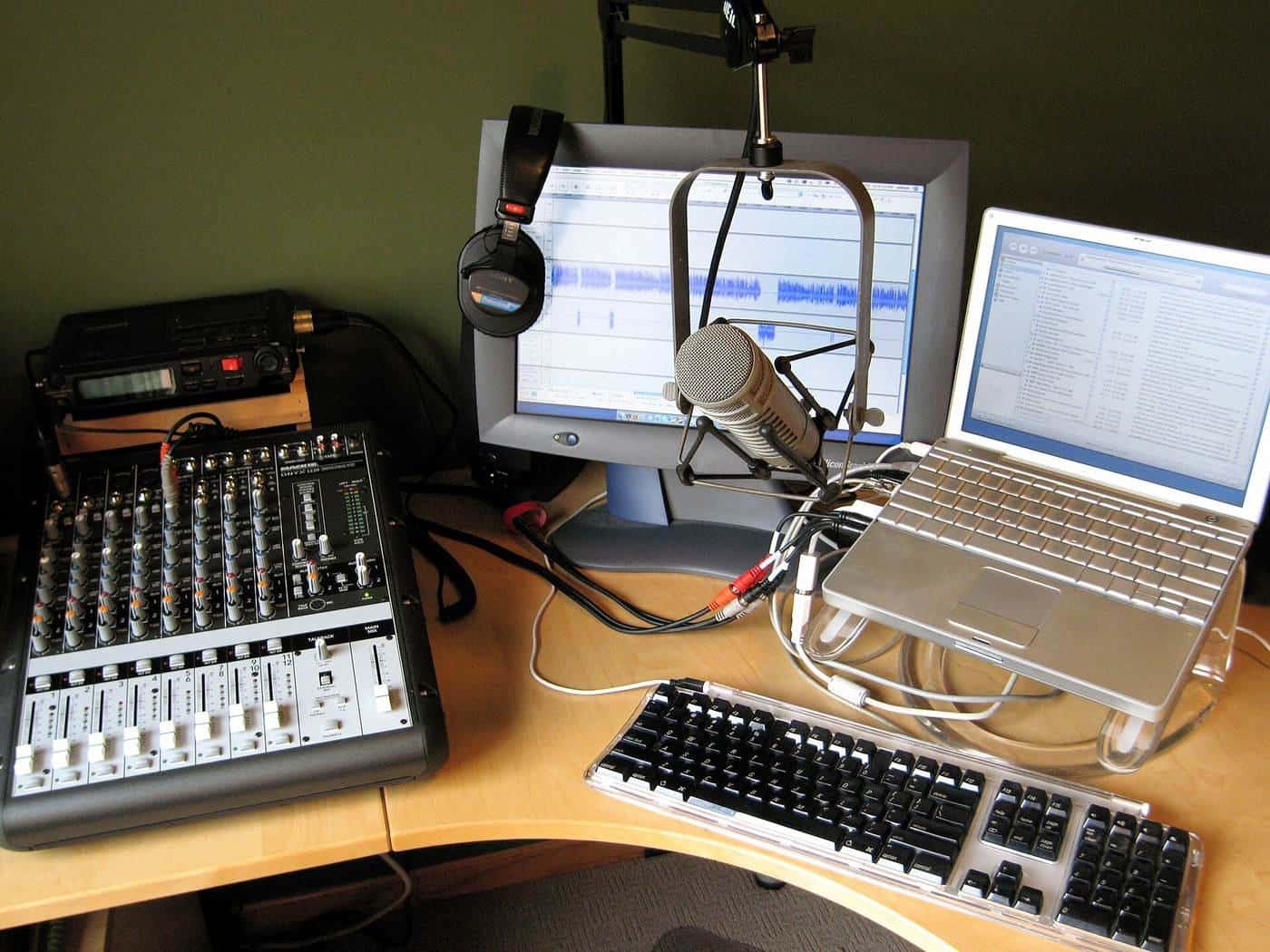
Plan, create, publish, repeat
A simple workflow keeps content flowing:
- Plan. Keep a list of ideas and a content calendar. Group ideas into themes or series.
- Create. Research, draft, record or film. Batch similar tasks to save time.
- Edit. Cut ruthlessly. Check facts, spelling, sound and captions.
- Publish. Add clear titles, descriptions and links. Optimise for search where it makes sense.
- Share. Promote through your email list and social channels, and repurpose pieces into other formats.
- Review. Look at what resonated and do more of it.
Repurposing content
One piece of work can feed several channels. A podcast episode can become a blog post, short video clips, quote graphics and a newsletter item. A detailed guide can become a series of social posts or a short video explainer. Repurposing saves time and reaches people who prefer different formats.
Quality and trust
Search engines and audiences increasingly value content that demonstrates genuine experience and expertise. Google's guidance encourages people-first content: original information, research or analysis, written by people who know the topic, that leaves readers feeling they have learned enough to achieve their goal. Cite sources, show who wrote the content, update it when things change and correct mistakes openly.
Accessibility
Accessible content reaches more people. Caption your videos, provide transcripts for podcasts, add alt text to images, use clear headings and plain language, and ensure enough colour contrast. The Web Content Accessibility Guidelines (WCAG) are the international standard for web accessibility, and the Australian Human Rights Commission has published guidance on accessible digital content under the Disability Discrimination Act 1992.
Copyright and permissions
Copyright is the most common legal trap for creators. Images, music, video clips, fonts and text are usually protected. Use your own material, licensed material or openly licensed material, and keep records of licences. If you feature people, get their permission, particularly for commercial uses and for children. Our image copyright guide explains the basics.
Disclosing paid content
If you receive money, free products or other benefits for content, disclose it clearly. The ACCC has warned that undisclosed paid endorsements can breach the Australian Consumer Law, and industry codes also require advertising to be clearly distinguishable. Use clear labels such as "Ad" or "Paid partnership" at the start of the content, not hidden in hashtags.
Tools for creators
You don't need much to start. A smartphone can record audio and video and take good photos. Free or low-cost editing apps handle podcast and video editing, and many website builders and blogging platforms include simple design tools. As you grow, consider a quality microphone, a small light, a tripod and a reliable backup system for your files. Choose tools that let you export your work in standard formats, so you aren't locked in.
Working with others
Collaboration helps creators grow. Guest appearances on other podcasts, joint videos and contributions to other publications introduce you to new audiences. Put agreements in writing, especially on who owns the content, how it can be used and whether anyone is paid. When interviewing people, explain how their contribution will be used and get their consent to publish.
Looking after yourself
Creating content can be demanding, especially when online feedback is harsh. Set boundaries, moderate comments, take breaks and remember that the eSafety Commissioner can help with serious online abuse.
Measuring what matters
Track the measures that show real value, such as returning visitors, listener retention, email sign-ups and enquiries, rather than raw views alone.
Key points
Know your audience and purpose, follow a simple plan-create-publish-review workflow, repurpose your best work, make content accessible, respect copyright and disclose paid relationships clearly.
Guides in this section
Content creation
Starting a podcast
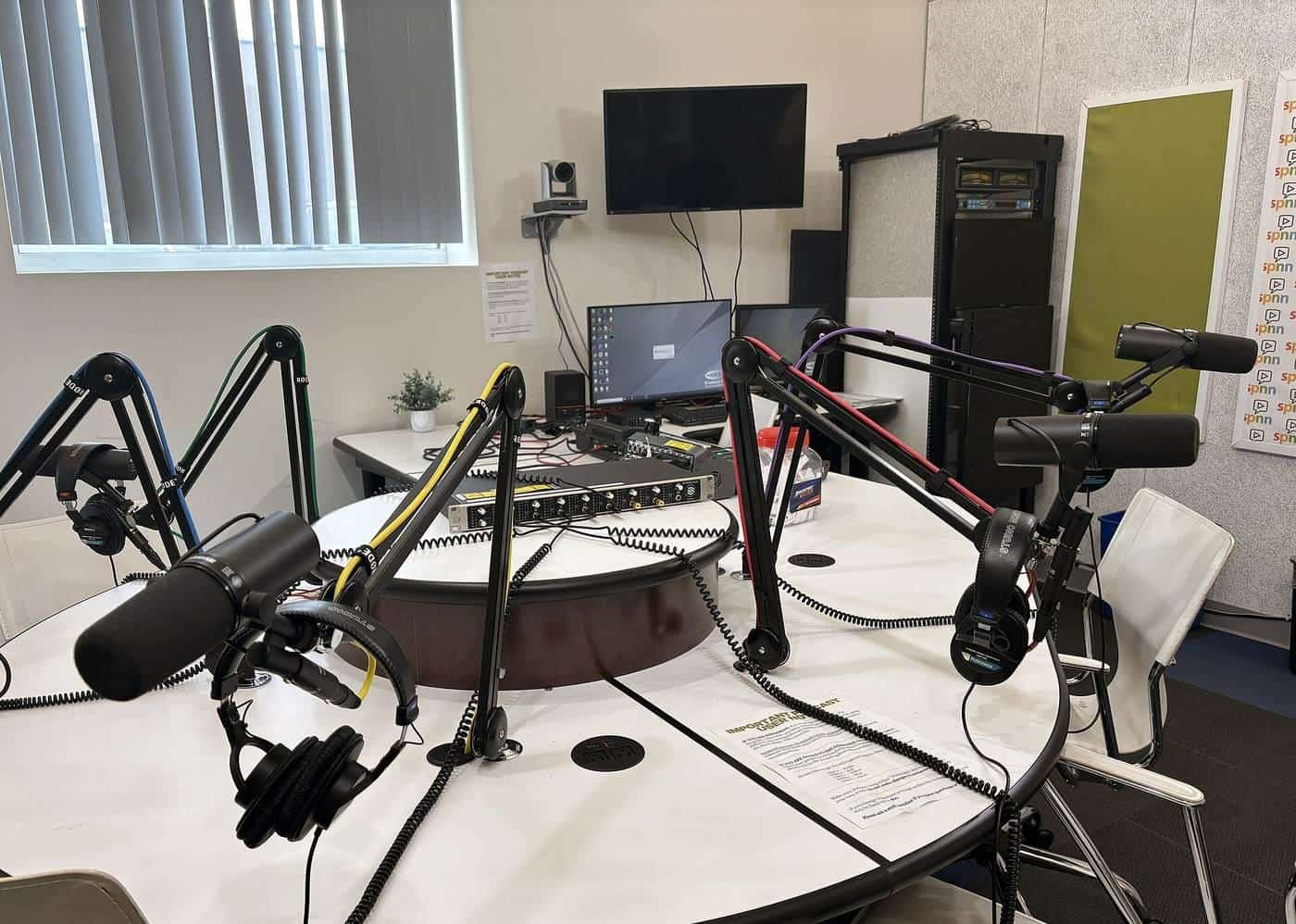
Plan a show, choose equipment, record, edit, host and publish a podcast, grow an audience, and handle music, guests and legal basics.
Read · 5 min

Content creation
Video for social media
How to plan, film, edit and caption short video for social media on a phone, with tips on lighting, sound, formats and music rights.
Read · 5 min

Content creation
Writing for the web
How people read online, and how to write clear, scannable, accessible web pages, emails and posts using plain language.
Read · 5 min
Content creation
Image copyright and licensing
How copyright applies to images in Australia, fair dealing, moral rights, Creative Commons licences, stock photos and how to credit correctly.
Read · 5 min
Frequently asked questions
Do I need expensive equipment to create content?
No. A recent smartphone, a decent microphone and good natural light are enough to start podcasting, filming short videos and taking photos. Skill, planning and consistency matter more than gear.
How often should I publish?
Publish on a schedule you can sustain. A regular, realistic rhythm, such as one podcast episode a fortnight or one article a week, usually works better than bursts of activity followed by silence.
Can I use popular music in my videos?
Commercial music is protected by copyright. Using it without a licence can lead to takedowns or muted audio. Use royalty-free or licensed music, or the licensed music libraries platforms provide within their own apps, subject to their terms.
Who owns content I create for a client?
It depends on your contract. Under Australian law, the creator is usually the first owner of copyright, with some exceptions such as employees creating work in the course of employment. Put ownership and licensing terms in writing.
Should I use AI tools to create content?
AI tools can help with drafting, editing and ideas, but check facts carefully, add your own expertise and be transparent where appropriate. Search engines say they reward helpful content however it is produced, and penalise low-quality content made mainly to manipulate rankings.