Video is one of the most engaging ways to communicate online. Short-form vertical video has become central to many social platforms, and video posts, live streams and stories are often prominent in feeds. For small businesses, creators and community groups, video can show personality, demonstrate products and explain ideas in ways text and photos can't.
The good news is that the phone in your pocket is a capable video camera. This guide covers planning, filming, editing and publishing video for social media, along with the rules on music and filming people.
9:16
Vertical video
Short-form and stories
16:9
Horizontal video
Websites, TV and long-form
Captions
Essential
Many watch with sound off
Plan before you film
Even a short video benefits from a plan. Decide the purpose of the video and the one thing you want viewers to remember or do. Then sketch a simple structure:
- Hook: grab attention in the first few seconds with a question, a surprising visual or the outcome.
- Content: deliver the tip, story, demonstration or information.
- Call to action: tell viewers what to do next, such as follow, comment, visit or book.
Write a short script or bullet points, and make a shot list so you capture everything you need in one session. Batch-film several videos at once to save time.
Content ideas
Video ideas that work for many organisations include quick tips and how-tos, behind-the-scenes looks, product demonstrations, before-and-after transformations, answers to frequently asked questions, team introductions, customer stories (with permission), event highlights and timely responses to trends that genuinely fit your brand.
Lighting
Light makes the biggest visible difference to video quality. Natural light from a window is excellent and free: face the window so light falls evenly on your face, and avoid having a bright window behind you, which turns you into a silhouette. Overcast days give soft, flattering light outdoors. For consistent results, a small LED panel or ring light helps, especially in the evening.
Sound
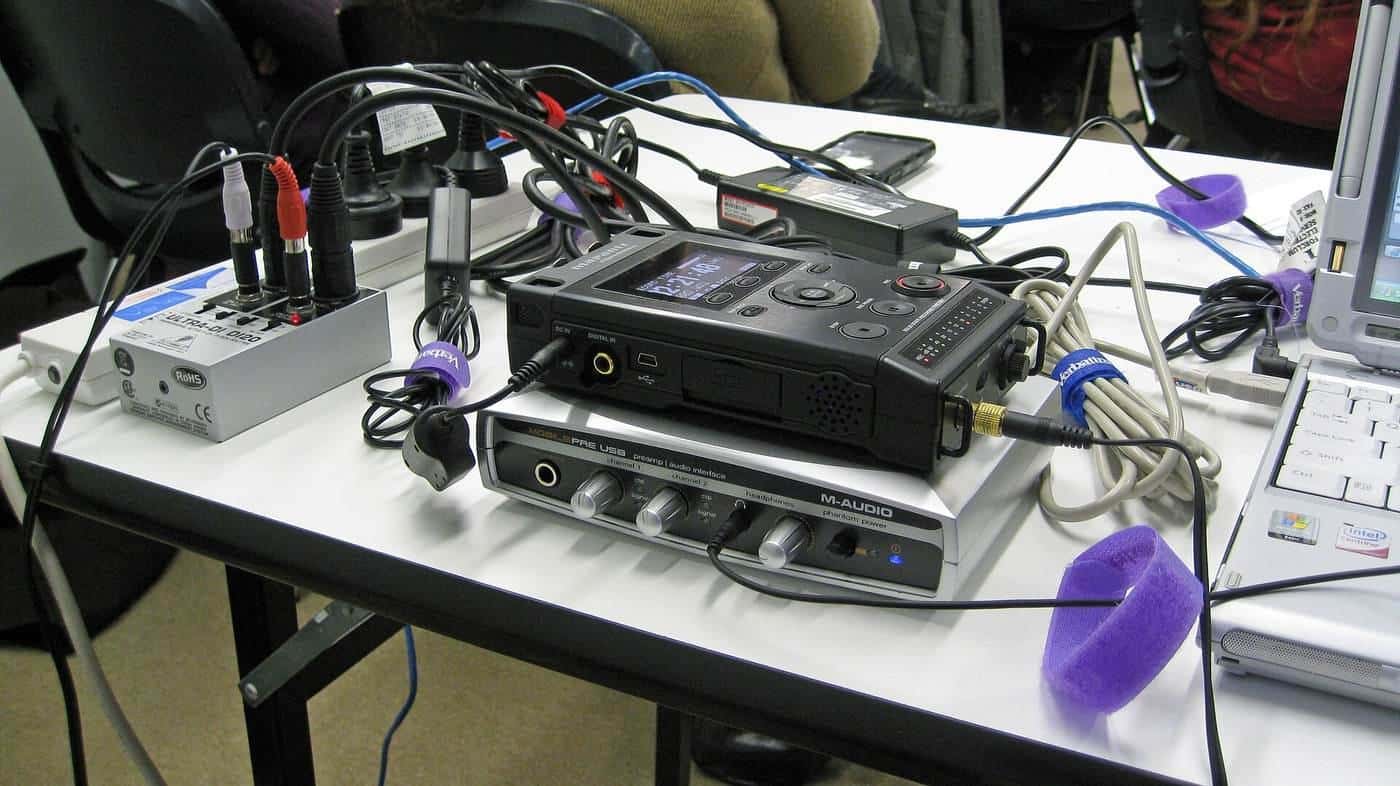
Viewers forgive average pictures more readily than poor sound. Film in quiet places, away from traffic, air conditioners and echoey rooms. For talking-to-camera videos, a small clip-on lapel microphone or wireless microphone system that connects to your phone greatly improves clarity. Check audio by recording a test and listening with headphones.
Filming on a phone
- Clean the lens. Phone lenses collect fingerprints that make video hazy.
- Use the rear camera for the best quality when you can.
- Stabilise. Use a tripod, a stand or a gimbal, or brace your arms against your body.
- Lock focus and exposure on your subject so they don't shift during the shot.
- Choose the right orientation for the platform before you start.
- Frame thoughtfully. Leave a little space above the head, keep the camera at eye level and think about the background.
- Shoot extra footage. Capture close-ups and cutaways to make editing easier.
- Check settings. Shoot at a consistent resolution and frame rate, and make sure you have enough storage and battery.
Editing
Editing apps on phones and computers make it easy to trim clips, add text, transitions, music and captions. Keep edits tight: cut pauses and repetition, and get to the point quickly. Add on-screen text to reinforce key points. Keep important text and faces away from the edges, where platform buttons and captions may cover them. Export at the resolution recommended by the platform.
Captions and accessibility
Many people scroll with sound off, and captions make video accessible to people who are deaf or hard of hearing. Most platforms and editing apps can generate captions automatically, but always check and correct them, because automatic captions often misspell names, places and technical terms. Use high-contrast text that is large enough to read on a phone. Describe important visual information in speech or text for people with low vision. The Web Content Accessibility Guidelines provide detailed advice on accessible media.
Music and copyright
Music is protected by copyright, both the composition and the recording. Many platforms provide music libraries licensed for use within their apps, but business accounts may have access to a narrower commercial library. Using commercial music outside these libraries can lead to muted audio, takedowns or legal claims. Royalty-free music libraries and music licensed specifically for online video are safer choices. Keep records of the licences you rely on. See our image copyright guide for copyright basics.
Filming people and places
Get consent from people who appear prominently in your videos, particularly for commercial content, and always get consent from a parent or guardian before featuring children. Check rules before filming in locations such as shopping centres, national parks and other public venues, some of which require permits for commercial filming. State and territory laws restrict recording private conversations and private activities, and drones are subject to Civil Aviation Safety Authority (CASA) rules.
Live video
Live streaming lets you interact with your audience in real time, through Q&As, launches, tutorials and events. Test your connection and setup beforehand, plan a loose structure, have someone help moderate comments and promote the stream in advance. Many platforms let you save live streams for later viewing.
Disclosure
If a video is sponsored or features gifted products, disclose it clearly and upfront, using the platform's paid partnership labels where available. The ACCC has warned that undisclosed paid endorsements can mislead consumers.
Measuring performance
Platform analytics show views, watch time, retention, shares and follows. Retention, which shows how long people keep watching, is especially useful for improving your videos: if many viewers drop off early, work on your hook. Compare performance across topics and formats, and do more of what works.
Social video checklist
0 of 10 done
Ticks are saved in this browser only.
Common mistakes
- Slow starts that lose viewers in the first seconds.
- Poor sound from a phone's built-in microphone in a noisy place.
- Backlit subjects in front of windows.
- Uncorrected automatic captions.
- Using commercial music without a licence.
- Filming children without parental consent.
Repurposing video
One filming session can feed several channels. Cut a longer video into short clips, reframe horizontal footage for vertical formats where possible, and pull still frames for posts. Turn the script into a blog post or email.
Key points
Plan each video with a hook, clear content and a call to action. Prioritise light and sound, stabilise your phone and film in the right orientation. Edit tightly, always add accurate captions, use licensed music, get consent from people you film and disclose sponsorships clearly.
Frequently asked questions
Do I need a professional camera?
No. Recent smartphones shoot excellent video. Good light, clear sound and a steady shot make a bigger difference than the camera.
Should I film vertically or horizontally?
Film vertically (9:16) for short-form video on most social platforms and stories, and horizontally (16:9) for traditional video platforms, websites and TV screens. If unsure, check each platform's current recommended formats.
How long should social videos be?
Many effective social videos are short, but there is no fixed rule. Hook viewers in the first seconds, deliver on the promise and end when the content is done.
Why should I add captions?
Many people watch social video with the sound off, and captions make video accessible to people who are deaf or hard of hearing. Captions can also help platforms understand your content.
Can I use trending music?
Platforms license certain music for use within their apps, often with restrictions on commercial use by businesses. Outside those libraries, use royalty-free or properly licensed music. Check each platform's terms.
Do I need permission to film people?
Get consent from people who are clearly identifiable, especially in commercial content, and always from parents or guardians for children. Be aware of state laws on recording private activities and conversations.
Sources and further reading
Facts on this page were checked against these primary and official sources. Conditions change — confirm before you travel or buy.
- Web Content Accessibility Guidelines (WCAG) — W3C
- Music licensing — APRA AMCOS
- Influencers and social media — ACCC
- Video production — Wikipedia