How Australians watch television has changed dramatically. Not long ago, most viewing happened live, on free-to-air channels, at scheduled times. Today a household might watch the evening news live through an antenna, catch up on a drama through a broadcaster's app, binge a series on a subscription service and watch creators on a video platform, all on the same smart TV.
This guide explains the main ways to watch TV and video in Australia, how to choose services, what you need at home and how to keep costs under control.
2013
Analogue switch-off completed
Free-to-air is now digital
BVOD
Broadcaster video on demand
Free catch-up from networks
SVOD
Subscription video on demand
Monthly fee services
Free-to-air television
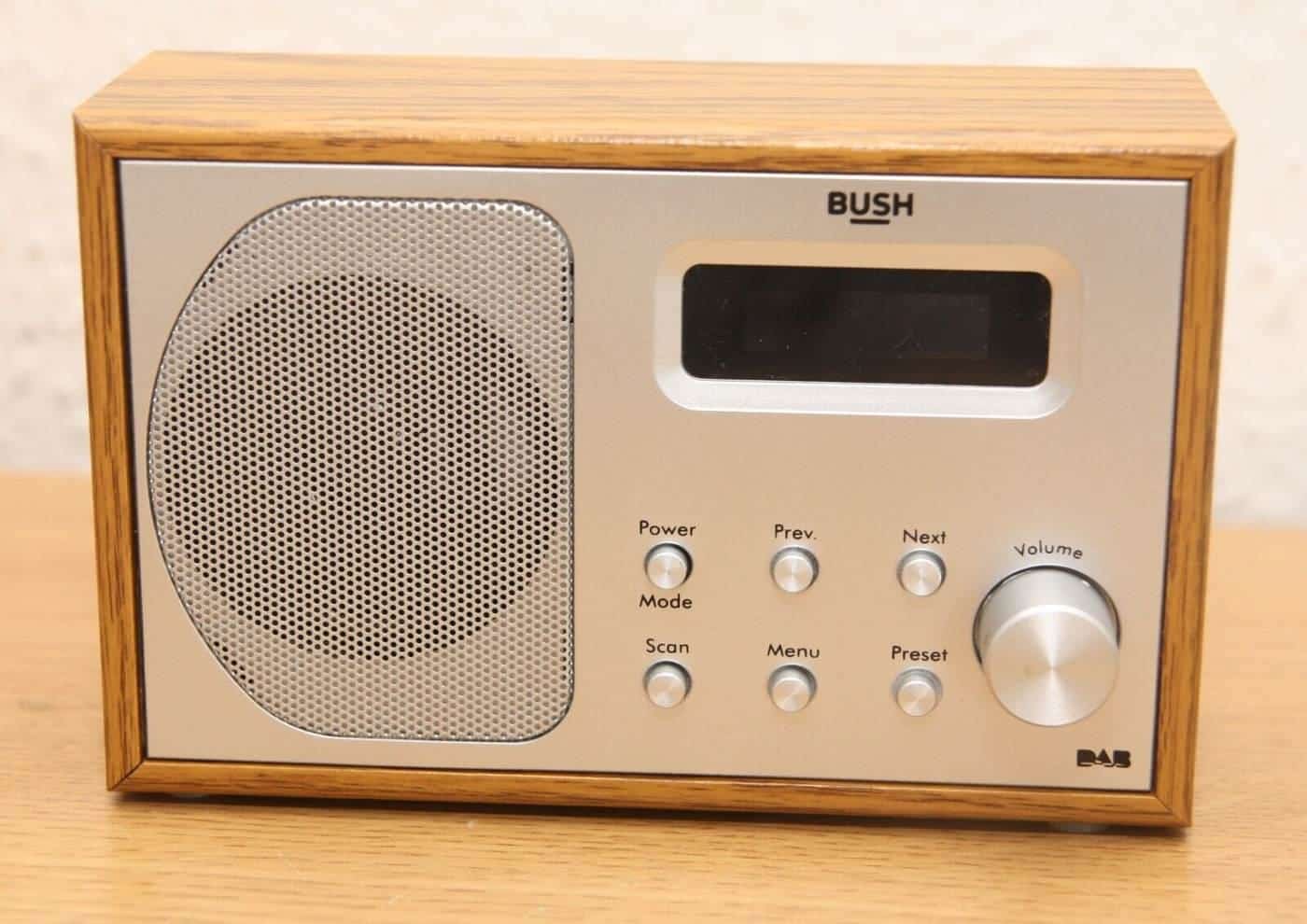
Free-to-air television is broadcast over the air by the national broadcasters, the ABC and SBS, and commercial networks. Australia completed its switch from analogue to digital television in December 2013, which freed up spectrum and allowed broadcasters to offer extra channels, including high-definition channels. In areas without good terrestrial reception, free-to-air channels are available by satellite through the government-funded Viewer Access Satellite Television (VAST) service.
Free-to-air TV is free at the point of use and doesn't use internet data. It remains important for live news, sport and events, and for emergency information. Australia's anti-siphoning scheme aims to keep certain events of national importance and cultural significance, mainly major sports, available free to the public.
Catch-up and broadcaster streaming
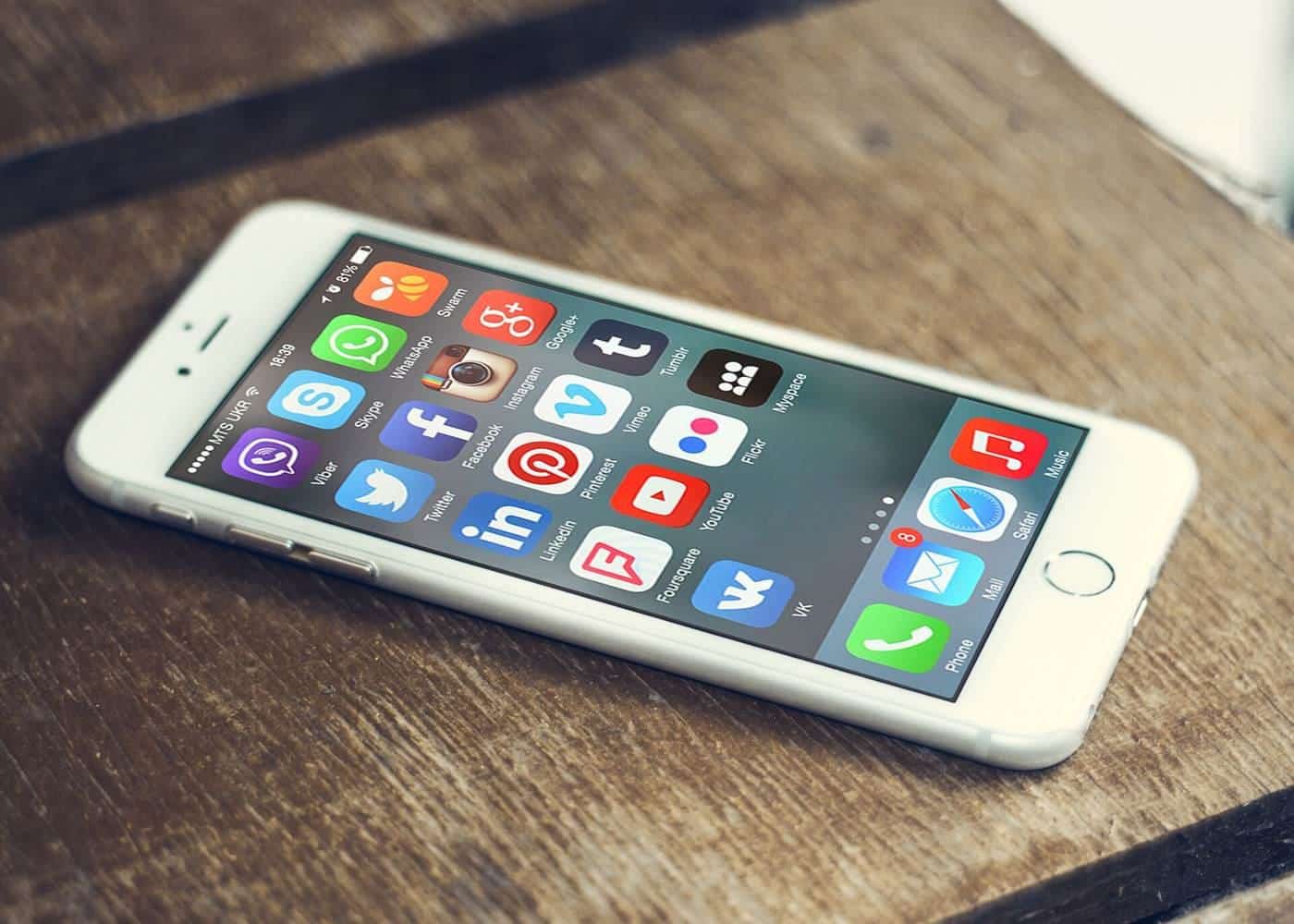
Every free-to-air network runs a streaming service, known in the industry as broadcaster video on demand, or BVOD. These services let you watch programs after they've aired, stream live channels and watch online-only content. Commercial networks' services are supported by advertising and generally ask you to create a free account, which lets them personalise content and ads. The ABC's service is free of commercial advertising.
BVOD apps are available on smart TVs, streaming sticks, game consoles, phones, tablets and computers.
Subscription streaming
Subscription video on demand services charge a regular fee for access to a library of films and series, often including their own original productions. Many now offer cheaper plans with advertising, as well as premium plans with higher picture quality or more simultaneous streams. Some services focus on sport, which may be offered separately from entertainment content.
Prices, plans and libraries change frequently, so compare current offers directly with each provider. The ACCC has warned consumers to watch for subscription traps, such as free trials that roll into paid plans and cancellation processes that are hard to find. Note when trials end and check how to cancel before you sign up.
Other ways to watch
- Pay TV. Traditional subscription television delivered by satellite or internet, often bundled with sport.
- Transactional video on demand. Renting or buying individual films and episodes.
- Free ad-supported streaming. Services offering free libraries or channels supported by advertising.
- Video-sharing platforms. User and creator content, from short clips to long documentaries.
What you need at home
A screen and device. Most new TVs are smart TVs with built-in apps. Older TVs can stream using a streaming stick or box, game console or a computer connected by HDMI. Check that your device supports the apps you want, because not every app is available on every platform, and older smart TVs may stop receiving app updates.
An internet connection. Streaming uses a lot of data, particularly in high definition and 4K. Check your plan's data allowance if it isn't unlimited. Streaming services publish recommended speeds for different picture qualities. Your actual speed, especially during the busy evening period, matters more than the maximum on your plan. The ACCC's broadband speed information and your provider's typical evening speeds can help you choose a plan.
Good Wi-Fi. Many streaming problems are actually Wi-Fi problems. Place your modem centrally, use a wired Ethernet connection to the TV if you can, or add mesh Wi-Fi for larger homes.
An antenna, optionally. If you want live free-to-air TV without using data, make sure your antenna is pointed at the right transmitter and in good condition. ACMA and broadcaster resources can help you check reception in your area.
Picture and sound quality
Quality depends on the content, the service plan, your internet speed and your equipment. To watch in 4K or high dynamic range, you generally need a compatible TV, a plan that includes 4K, content available in 4K and a fast enough connection. A soundbar can greatly improve dialogue clarity on thin modern TVs. Turn off motion smoothing for a more natural film picture if you prefer.
Choosing services
Before subscribing, think about what you actually watch. Make a list of the shows, films and sport your household cares about, then check which services carry them. Remember that libraries change as licensing deals expire. You don't need every service at once: many people subscribe to one or two at a time and rotate as new seasons come out. Free BVOD services and free-to-air TV offer a lot of content at no cost.
Accessibility features
Most streaming services offer closed captions, and many offer audio description for some content, which narrates important visual details for people who are blind or have low vision. Captioning requirements apply to free-to-air broadcasters. Look in each app's settings for captions, audio description and other accessibility options.
Parental controls
Streaming services and devices offer parental controls, such as PINs, profiles for children and limits based on classification ratings. Australian classification categories, such as G, PG, M and MA15+, are widely used on local services. Set up a separate profile for each child, and review settings periodically. The eSafety Commissioner offers guidance for parents.
Privacy and data
Streaming services and smart TVs collect data about what you watch, which can be used to recommend content and target advertising. Review privacy settings on your TV and in each app, including options related to viewing data and personalised ads. See our privacy and online advertising guide.
Piracy
Unauthorised streaming sites and devices preloaded with apps offering pirated content can breach copyright and expose you to malware, scams and unreliable service. Under Australian law, rights holders can seek court orders requiring internet providers to block access to overseas piracy sites. Legal free options such as BVOD services are a safer alternative.
Streaming setup checklist
0 of 9 done
Ticks are saved in this browser only.
Common mistakes
- Paying for several services you rarely use.
- Forgetting about free trials that turn into paid plans.
- Blaming the service for what is really a Wi-Fi problem.
- Assuming 4K will work without checking the plan, content and connection.
- Using pirate apps that expose you to malware.
Key points
Australian viewers can mix free-to-air TV, free broadcaster streaming and paid subscription services. Choose services based on what you watch, check your internet speed and Wi-Fi, keep an antenna for free live TV, set up parental and privacy controls, and review subscriptions regularly.
Frequently asked questions
What is BVOD?
BVOD stands for broadcaster video on demand, the catch-up and streaming services run by television broadcasters. In Australia, each free-to-air network offers one, generally free and supported by advertising, with the ABC's service free of commercial advertising.
What internet speed do I need to stream?
It depends on the service, the picture quality and how many people stream at once. Streaming services publish recommended speeds, with higher speeds needed for 4K. Check your provider's recommendations and your actual home speeds, especially in the evening.
Do I still need a TV antenna?
Not if you watch everything online, but an antenna gives free access to live free-to-air channels without using internet data, and can be more reliable for live events. Many households use both.
Can I watch Australian streaming services overseas?
Many services restrict content by location because of licensing agreements. Check each service's terms before travelling.
Is it legal to use pirate streaming sites?
Accessing infringing copies of films and shows can breach copyright, and pirate sites often carry malware and scams. Courts can order internet providers to block access to piracy sites.
How can I cut my streaming costs?
Review subscriptions regularly, cancel those you rarely use, consider ad-supported tiers, rotate services month by month, and make the most of free BVOD services and free-to-air TV.
Sources and further reading
Facts on this page were checked against these primary and official sources. Conditions change — confirm before you travel or buy.
- Watching TV and video online — ACMA
- Digital television in Australia — Wikipedia
- Subscriptions and auto-renewals — ACCC
- Online copyright infringement — Australian Government